Case study — Learning platform — 2025
CADQuest
Browser-based AutoCAD training where learners practise drafting and 3D modelling inside the lessons.
- Role
- Design and development
- Timeline
- 2025

The problem
Learning AutoCAD usually means switching between lessons and desktop software. CADQuest keeps the practice inside the lesson.
Key features
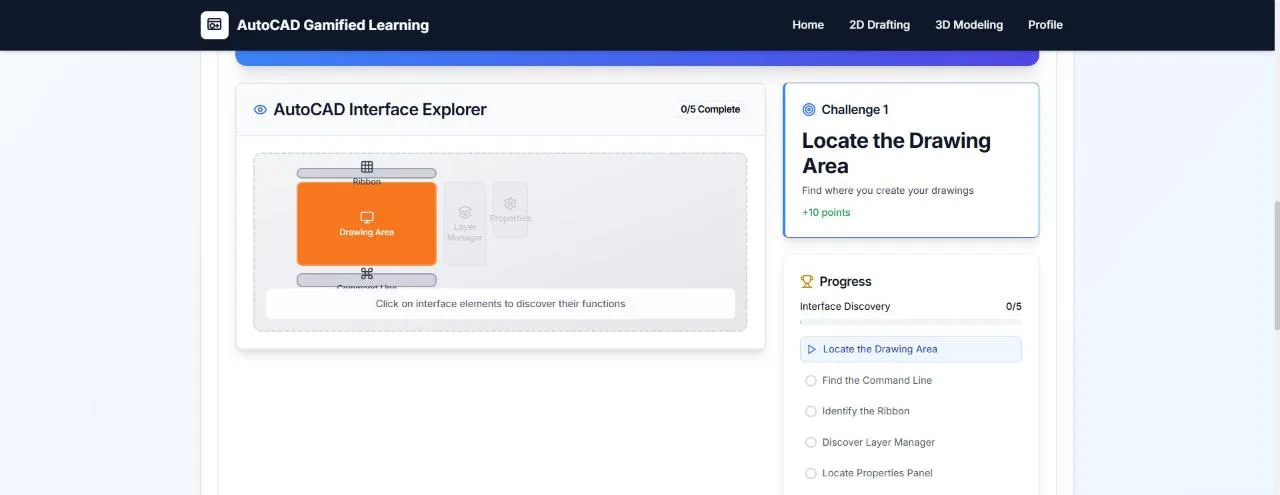
- 01Structured courses for 2D drafting and 3D modelling
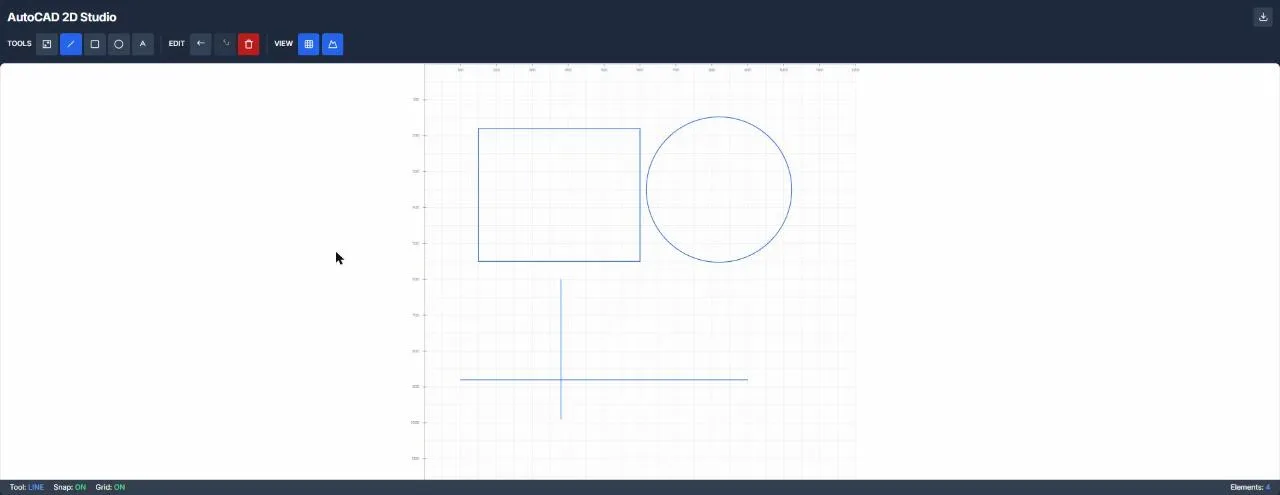
- 02In-browser 2D editor with line, rectangle, circle and text tools, snapping, grid, undo and export
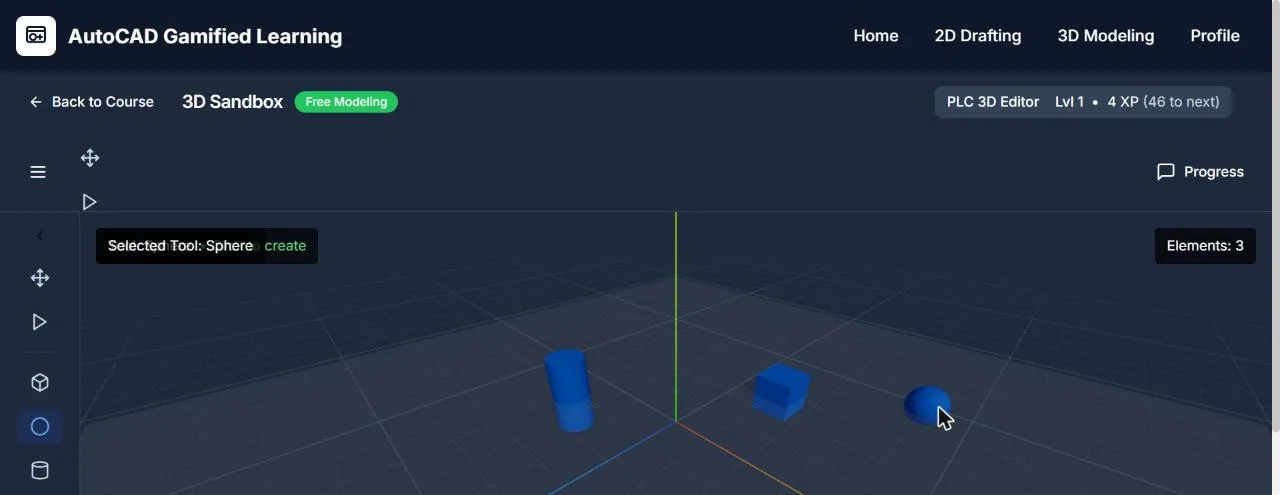
- 03Three.js 3D sandbox for placing and transforming shapes
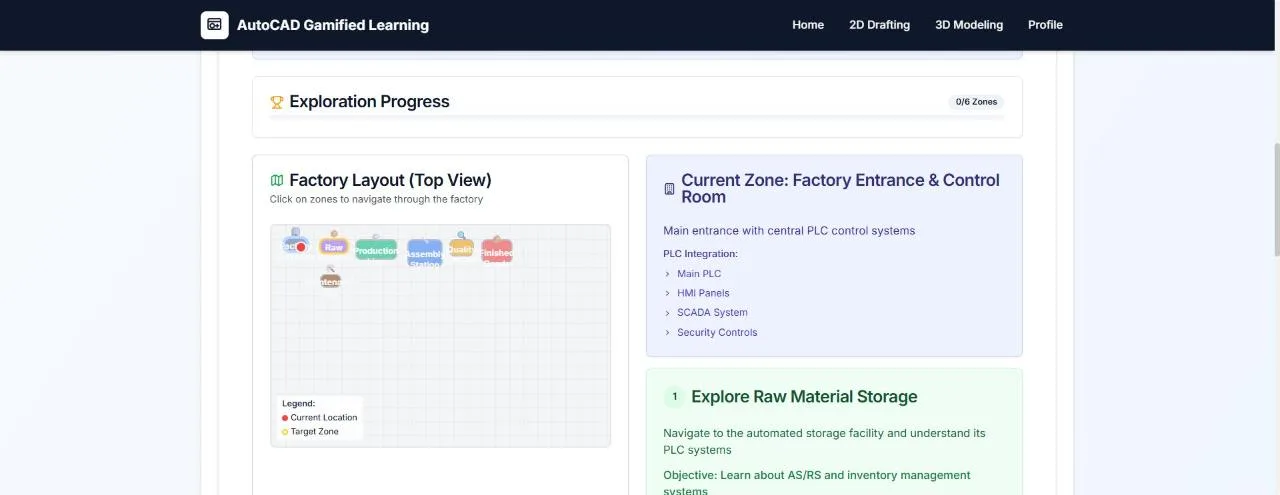
- 043D factory navigation simulation
- 05Gamified progress with XP, levels and challenges
Stack
- Next.js
- React
- Three.js
- JavaScript